
 At
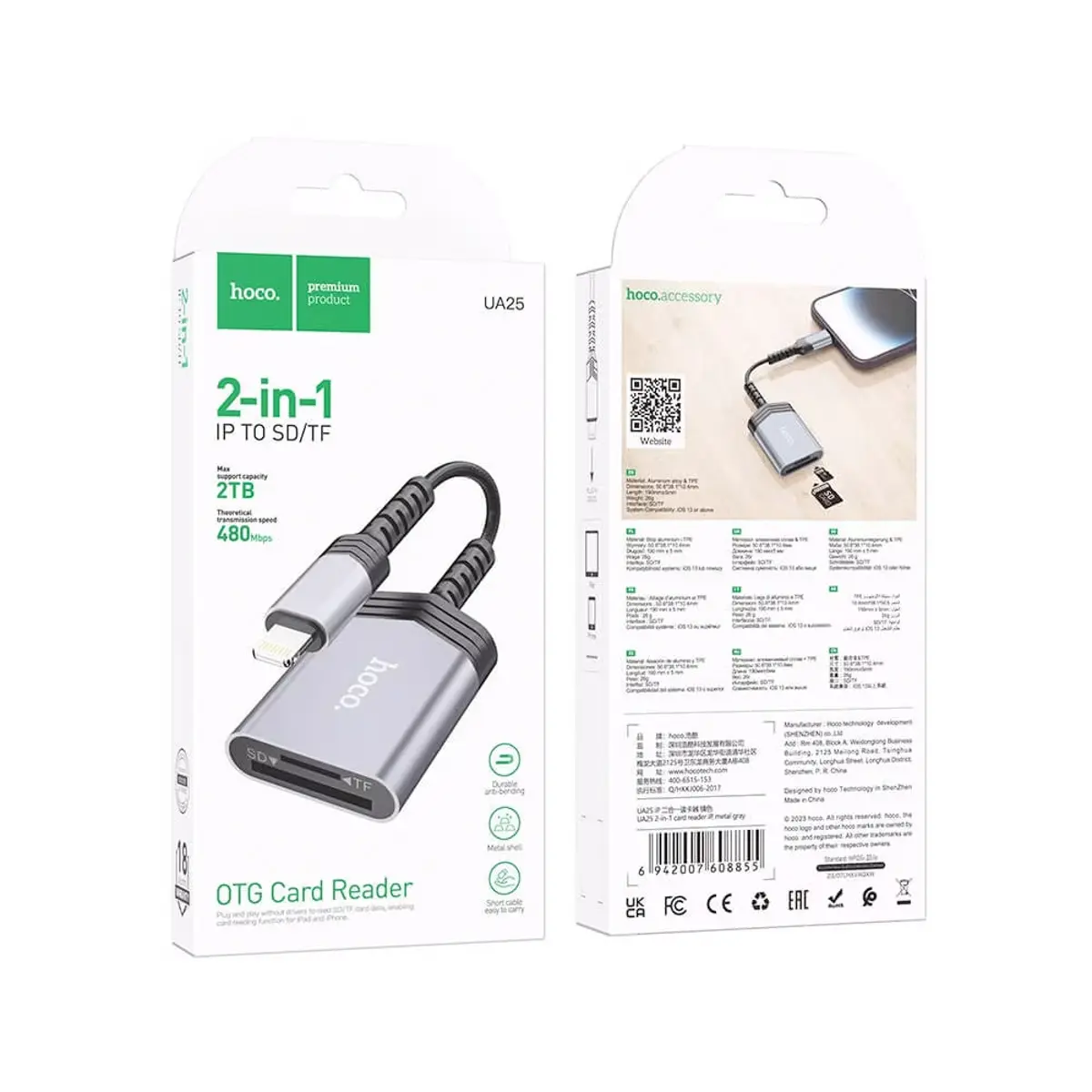
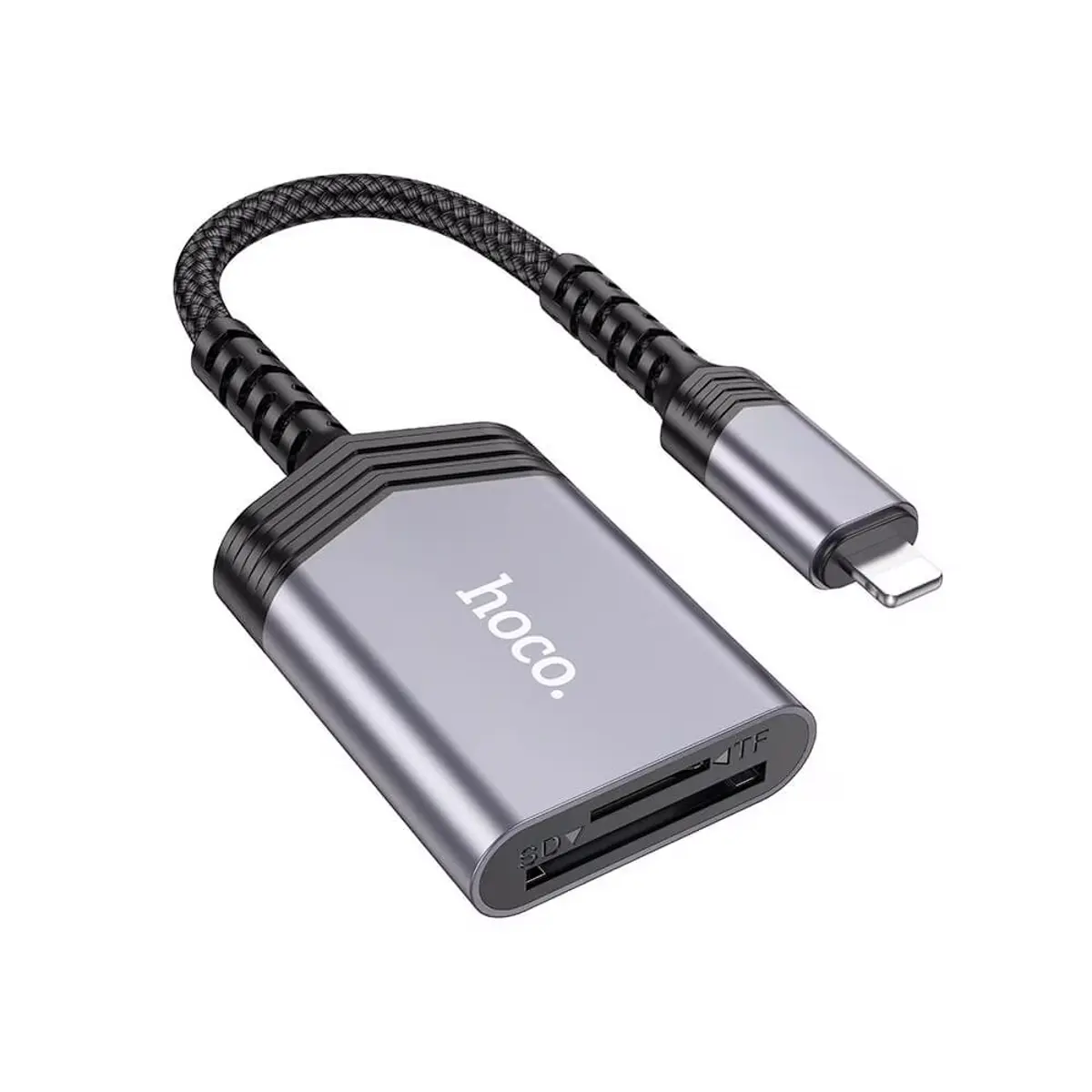
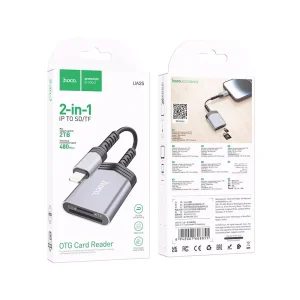
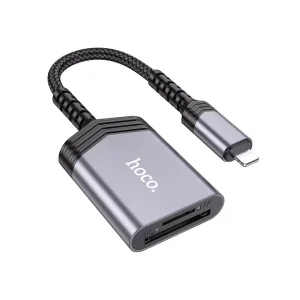
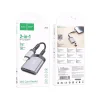
At Hoco UA25 Lightning 2 in 1 Card Reader is a practical solution for transferring photos, videos, and documents between an iPhone and memory cards without depending on cloud storage or unstable wireless connections. The Hoco UA25 Lightning 2 in 1 Card Reader has become one of the accessories we regularly recommend because it offers reliable performance for travelers, photographers, and anyone who needs quick access to files. In my years of repairing devices here in Hoan Kiem, I have seen countless customers worry that their precious memories were lost after a failed transfer, when the real problem was an unreliable adapter rather than the phone itself. A dependable card reader protects your files by maintaining a stable connection throughout the transfer process. Whether you are backing up travel photos, moving drone footage, or sharing work documents, choosing a quality card reader and using it correctly can save time while reducing the risk of file corruption.
Choose the right card reader for reliable iPhone file transfers with Hoco UA25 Lightning 2 in 1 Card Reader
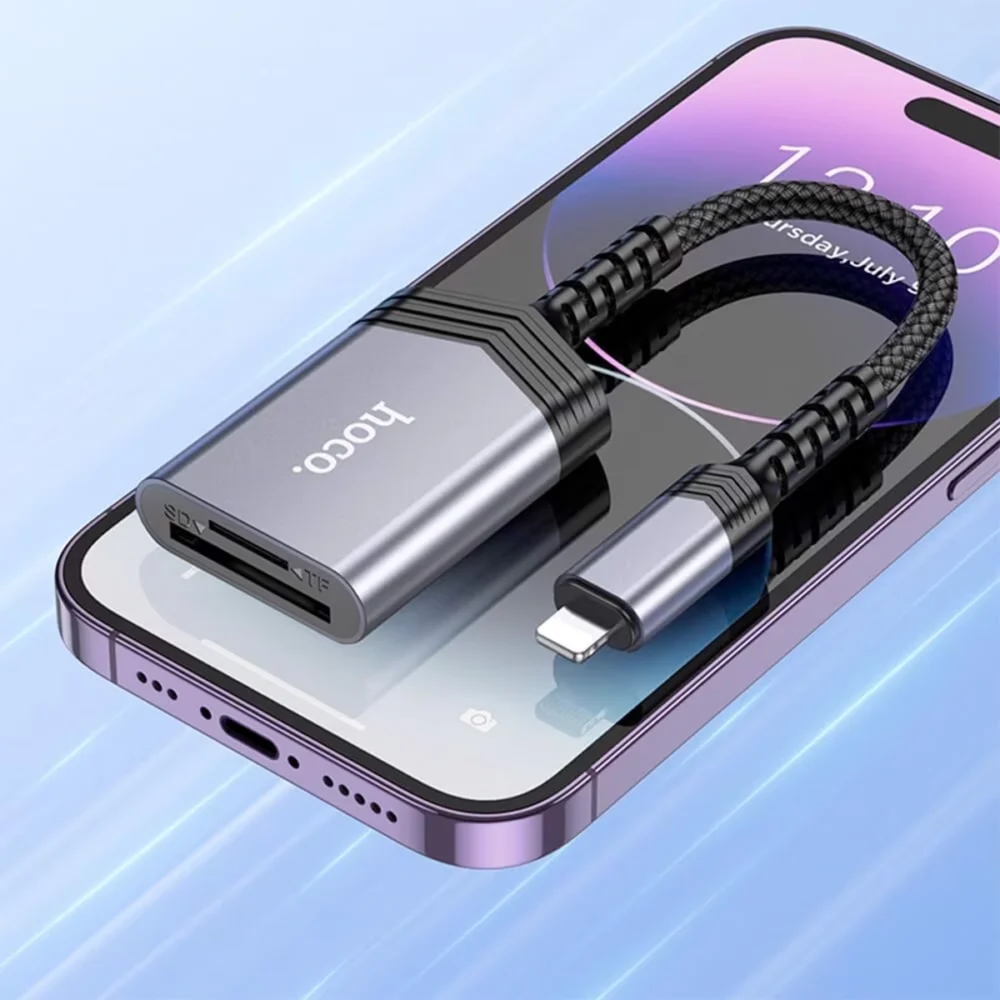
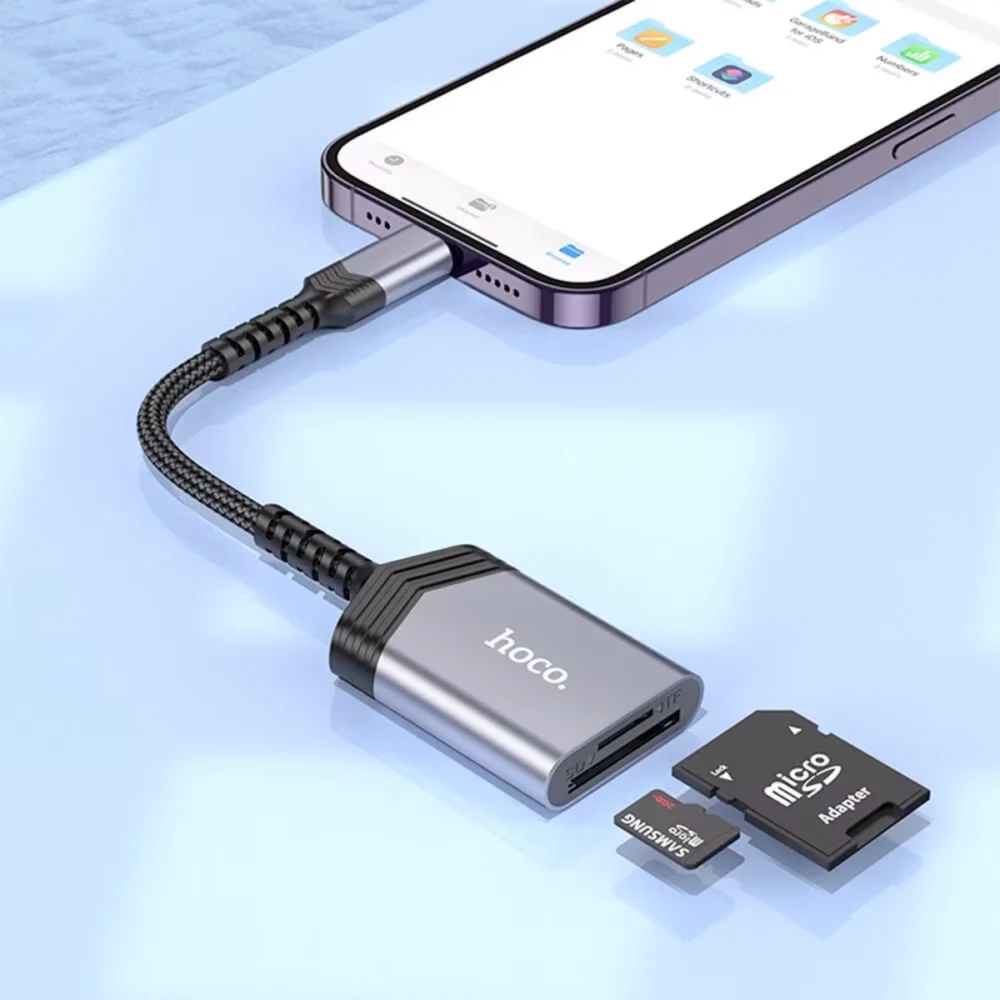
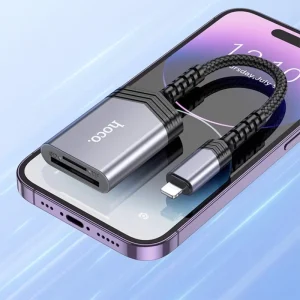
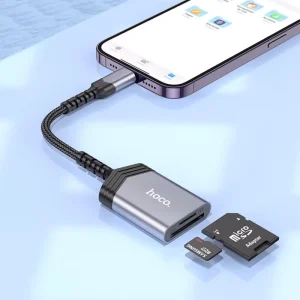
Not every card reader performs the same way, even if they look similar. The Hoco UA25 Lightning 2 in 1 Card Reader is designed for dependable compatibility with iPhones using a Lightning connector while supporting both an sd memory card and a dedicated microsd card slot. Instead of relying on cloud synchronization or wireless sharing, it provides direct usb data transfer through a convenient plug and play design that requires no complicated setup.Just last week, I handled a case where a visitor staying near Hanoi Old Quarter arrived after purchasing an inexpensive adapter from a temporary market stall. Every attempt to copy hundreds of vacation photos stopped halfway through because the connector repeatedly lost contact with the phone. Fortunately, the original files were still intact on the camera memory card. After replacing the adapter with the Hoco UA25 Lightning 2 in 1 Card Reader, every image transferred successfully without interruption.From a technical perspective, reliable data transfer depends on stable electrical contact. Poor-quality adapters often have loose internal pins or inconsistent manufacturing tolerances. Even a brief interruption while writing large video files may create incomplete folders or damaged media. A properly built card reader maintains a consistent connection between the Lightning port and the storage card, reducing transfer errors and protecting valuable files.

Ensure safe and stable data transfer every time
Check Lightning connector compatibility before connecting
Many tourists come to our shop panicked because their iPhone suddenly stops recognizing an accessory. In most cases, the phone itself is not faulty. Dust inside the Lightning connector, moisture residue, or worn contacts on a low-quality adapter interrupt communication before data transfer even begins. Before connecting the Hoco UA25 Lightning 2 in 1 Card Reader, inspect the Lightning port carefully and remove any visible debris. Never force the connector into place because unnecessary pressure can damage the charging port.
Insert SD or microSD cards correctly
Memory cards should slide smoothly into the correct slot. If resistance is felt, stop immediately and verify the orientation. I regularly see customers bend card contacts by forcing a card into the wrong position. Once the contacts become damaged, transfer errors become much more common. Correct insertion allows the card reader to establish a stable connection with the storage media before file copying starts.
Transfer photos and videos without data corruption
A common mistake I see when people drop their phones in water is focusing only on saving the device while forgetting to back up important files afterward. The same principle applies to large file transfers. Avoid disconnecting the Hoco UA25 Lightning 2 in 1 Card Reader while videos or RAW images are still copying. Keep sufficient battery power available and avoid switching between multiple applications during long transfers. Continuous communication between the phone and storage media helps prevent incomplete files and corrupted folders.

Remove the card reader safely after file transfer
Once every file has finished copying, close the file management application before disconnecting the reader. This allows the operating system to complete background writing tasks. Pulling the accessory out too early can interrupt the final saving process and leave the destination folder incomplete. Waiting only a few extra seconds greatly reduces the chance of file corruption.
Find trusted Hoco accessories at Smartphone Accessories Hanoi
In my years of repairing devices here in Hoan Kiem, I have learned that dependable accessories often prevent unnecessary repairs. Customers frequently search for a reliable lightning card reader Hanoi because they have already experienced failed transfers with low-cost alternatives. Choosing the Hoco UA25 Lightning 2 in 1 Card Reader means investing in stable performance rather than taking unnecessary risks with valuable photos and business documents.Another memorable case involved a travel photographer preparing to leave Vietnam the following morning. His camera contained several days of professional work, but two different adapters repeatedly failed to copy the images onto his iPhone. After testing the storage card and confirming it was healthy, we connected the Hoco UA25 Lightning 2 in 1 Card Reader. Every folder transferred successfully, allowing him to upload the photographs before boarding his flight. Situations like this remind us that reliable accessories can be just as important as reliable devices.If you are looking for a dependable memory card reader for iphone or other mobile accessories Hoan Kiem visitors frequently need, Smartphone Accessories carefully selects products that deliver consistent real-world performance. You can also explore our collection of Many other accessories, including quality charging products, adapters, storage accessories, and travel essentials that complement the Hoco UA25 Lightning 2 in 1 Card Reader.
Reliable Tech Repair at Smartphone Accessories
Smartphone Accessories is a trusted phone repair service in Hoan Kiem, Hanoi, offering fast diagnostics and same-day repair for Phones, MacBook, and tablets. We fix screen, battery, charging, and water damage issues with a clear and reliable process. Fast repairs. Fair pricing.
- Address: 15 Dinh Tien Hoang, Hoan Kiem, Hanoi
- Hotline/WhatsApp: +84 969 044 078
- Email: duongvantuan2012@gmail.com
- Opening Hours: 10:00 AM – 10:00 PM
Conclusion
The Hoco UA25 Lightning 2 in 1 Card Reader is a dependable choice for fast and secure file transfers between compatible iPhones and memory cards. Using the accessory correctly, keeping the Lightning connector clean, and following safe handling practices help protect valuable photos and videos from unnecessary data loss. At Smartphone Accessories, we provide carefully selected quality accessories, transparent pricing, and fast service based on years of practical repair experience, ensuring every customer receives reliable products and professional support with confidence.


